Official server for Content Warning the co-op horror game from Landfall Games.
Join the Adventure:
Team Up with Friends:
Dive into the Old World together, customize your characters, and gear up for a spooky adventure.
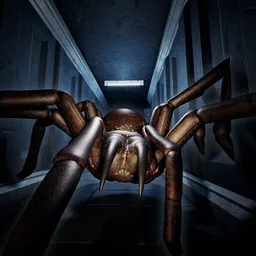
Face the Horrors: Encounter scary, physics-animated monsters, cursed relics, and mysterious artifacts.
Create and Share:
– Record Your Scares: Use in-game cameras to film the scariest moments. Make and save your recordings to share later.
– Upload to SpöökTube: Upload your footage, host watch parties, and see how many views you can get.
Game Features:
– Co-op Gameplay: Play with 2-4 friends online.
– Voice Chat: Communicate in real-time as you explore and film.
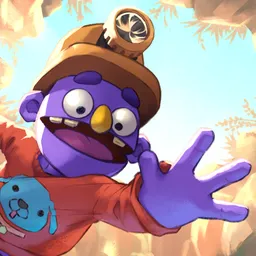
– ASCII Face Customization: Create unique looks for your characters.
– Earn Fame: Accumulate views on SpöökTube to become famous and upgrade your gear.
Why Join the Discord?
– Connect with Other Players: Share tips, strategies, and experiences.
– Stay Updated: Get the latest news and updates about the game.
– Participate in Events: Join community events and challenges.
– Support and Help: Get assistance from other players when you get stuck.
Experience the Thrill:
– Live the Adventure: Immerse yourself in the co-op horror experience.
– Build Your Fame: Keep playing, filming, and uploading to achieve fame and fortune.
– Join the Landfall Official Content Warning Discord to be part of an exciting community and take your gaming experience to the next level!