![[Antz] Ant Clan](https://discord.do/wp-content/uploads/2024/12/Antz-Ant-Clan.jpg)
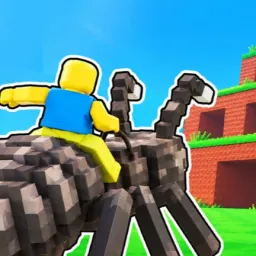
[Antz] Ant Clan. A Clan in Roblox Bedwars. It’s not just a group of players, it’s a vibrant community where fun and joy are at the heart of everything they do. From the moment you join, you’re greeted with warmth and enthusiasm, welcomed into a colony buzzing with excitement.
At the core of the Ant Clan’s philosophy is the belief that gaming should be enjoyable above all else. Every member contributes to creating a lively atmosphere where laughter and camaraderie thrive. Whether they’re strategizing for their next Bedwars match or simply hanging out in the virtual world, there’s never a dull moment in the Ant Clan.
One of the key aspects that make the Ant Clan so special is their creative approach to gameplay. They love experimenting with different tactics and strategies, turning every match into an adventure. Whether they’re building elaborate defenses or launching daring raids on opponents’ bases, they approach each challenge with a sense of creativity and spontaneity that keeps everyone on their toes.
Beyond the game itself, the Ant Clan values the relationships they build with one another. They celebrate each other’s victories and support each other through setbacks, forging bonds that extend far beyond the digital realm. For many members, the Ant Clan isn’t just a gaming group, it’s a second family where they can be themselves and share their passion for gaming with like-minded friends.