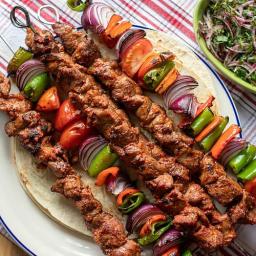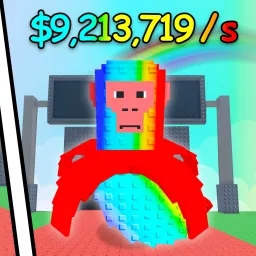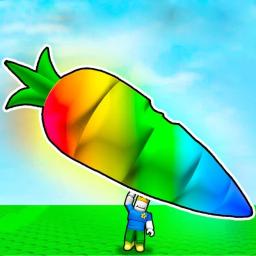
Stick Battles delivers frantic, comedic PvP action where players battle in melee combat using skewers, turning opponents into “kebab” toppers. The game combines simplicity with chaos: you earn cash by defeating rivals, then spend it on upgraded skewers with unique perks—think freeze, bounce, or massive area swings. Each match is a fast-paced test of reflexes and weapon choice.
Progression is tied to your arsenal: cash unlocks more exotic skewers that can freeze enemies, launch projectiles, or unleash area-of-effect chaos. Leadership boards reward high-skill players, while casual matches let you experiment with wild weapon effects. The game also thrives on social competition—leaderboards, killstreaks, and weapon wins offer bragging rights.
Redeemable codes are a major perk. Active ones like stick4life and omaoma deliver free cash, perfect for early-game upgrades, while past codes show the devs’ willingness to reward players. These boosts help even casual fighters gear up fast.
The official Stick Battles Discord server is a must-join for competitive players. It’s the central hub for fresh code announcements, often released in the #codes channel. Players discuss skewer strategies, weapon combos, and PvP techniques, while devs post patch notes and host community events. Whether you’re hunting code drops or coordinating showdown matches, Discord keeps you plugged into the skewer scene .