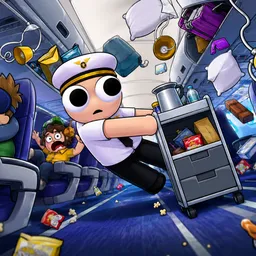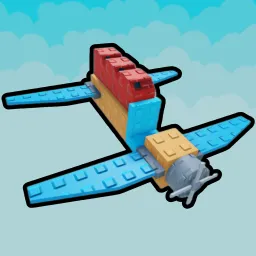
Build A Plane on Roblox gives you the power to engineer your own aircraft piece by piece—from fuselage and wings to engines and paint jobs. You design flights from scratch, testing each build in the sky. Success earns you in-game cash to unlock advanced parts like improved engines, sleek body panels, and cosmetic skins, letting you push your crafting skills further each flight.
What sets Build A Plane apart is its creative freedom mixed with satisfying physics-based flight. Devs have structured it so even first-time builders can touch down successfully, while veterans can push the limits with aerodynamic tweaks and speed runs. Watching your custom creation soar—or crash—adds character to every testing session.
The official Build A Plane Discord server is the cockpit for community creativity. It’s where builders exchange blueprints, get early access to tools and code drops, and join themed build competitions or flying meetups. You’ll find channels for part combos, aerodynamic tweaks, and showcase events. Devs often post update teasers or ask for design feedback, making Discord both an inspiration hub and beta-testing space.
If you love engineering and flying, Build A Plane combines innovation with community. And in Discord, every takeoff becomes a shared experience—fuelled by support, codes, and collaboration from fellow avgeeks.