
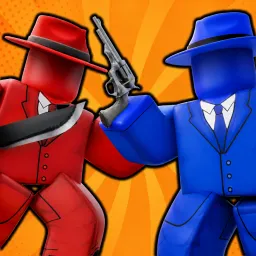
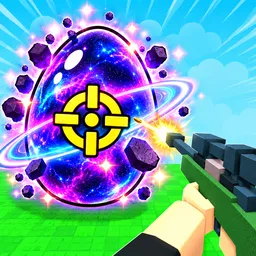
Hypershot, formerly known as Gunfight Heroes, is a skill-driven first-person shooter on Roblox that delivers tense, fast-paced action across multiple game modes—like Capture the Flag, Team Deathmatch, Gun Game, and 1v1. Players earn coins and diamonds to unlock new weapons, skins, and abilities, customizing loadouts to fit unique combat styles.
The gameplay rewards sharp reflexes and loadout strategy: sprinting, sliding, pinging, and ability activation are all integral to winning gunfights. Daily rewards, diamond-based ability unlocks, and tiered weapon crates enhance progression—unlocking gold, diamond, and mythical-tier skins as you climb deeper.
The official Hypershot Discord server is the central hub for players seeking a competitive edge. It’s the first place where future codes and patch updates are shared. Inside, community members exchange tactics—like optimal case-opening strategies and ability loadout discussions—as well as host scrims and community events.
Whether you’re chasing MVP matches or curating your gun collection, Hypershot blends polished PvP mechanics with deep customization. It transforms fast twitch gameplay and builds into an evolving experience—and its Discord connects you directly to the tips, updates, and teammates you need to slay.

пожалуйста разблокируйте меня я не использовал читы
code
game rất hay