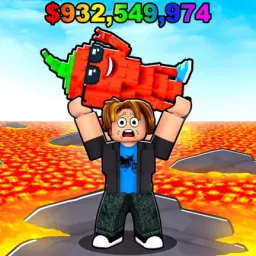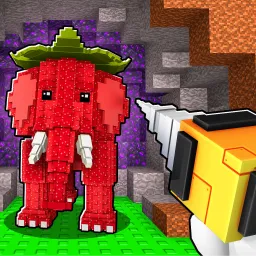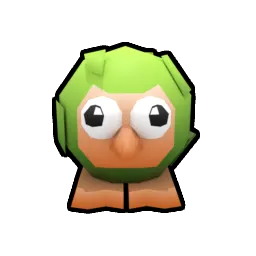
Bounce A Brainrot places you in the quirky world of brainrot memes—where you buy Brainrot creatures, let them bounce endlessly behind glass, and watch them generate steady cash while you strategize your next move. Whether merging duplicates, expanding your base, or upgrading bounce pads, the goal is to create a visually entertaining and profitable brainrot showcase.
Progression unfolds through reinvestment and optimization. You use earnings to buy more Brainrots, merge for stronger versions, and unlock gems for base expansion or cosmetic upgrades. Every rebirth or upgrade enhances your passive income, turning patience into profit and making each reset feel more rewarding.
The official Bounce A Brainrot Discord server is the best place to stay informed and get ahead. Codes—such as free Gems for faster base growth—drop exclusively there, especially during updates or milestone events. Discord also houses strategy discussions on merging priorities, bounce-pad layouts, and efficient progression routes, plus sneak peeks at rare Brainrot types.
Charmingly absurd yet deceptively strategic, Bounce A Brainrot invites players to curate their own bouncing meme displays while optimizing income. With the Discord community fueling codes, builds, and creative exchanges, the game becomes as social and shared as it is entertaining.