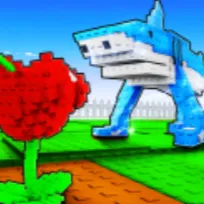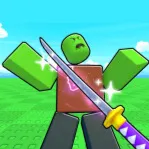
Build ur Base drops you into a world of construction and defense: gather resources, erect structures, and shield your territory from raids. You’ll optimize layouts, choose defenses, and balance expansion with security. But beyond the sandbox mechanics lies the heart of the experience: the official Discord server, where every idea, build, and strategy ripples through a shared creative network.
On the server, base layouts become blueprints for inspiration. Players post screenshots of compact, efficient bases or sprawling fortresses, debate wall placements versus turret density, and offer “before and after” suggestions on improving defenses. Someone’s clever maze design or funnel trap can spark dozens of build reworks that spread across the community in minutes.
Announcements and patch updates land there first. When the devs drop new building parts, defensive modules, or raid modifiers, Discord chatter spikes. Members test the changes, upload results, and rationalize what works best. Early adapters get insight into meta shifts before the general player base catches on.
The social pulse fills in what the game leaves silent: themed build contests, advice threads (e.g. “How many turrets per side?”), and help channels for newer base-builders. Shared “night raid survival” stories, tips on resource balancing, or collaborative build challenges knit players together. In Build ur Base, your fortress is personal—but the Discord turns it into a source of collective creativity, strategy, and evolution.