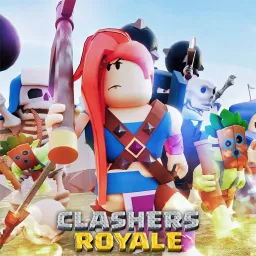
Clashers Royale on Roblox takes the thrill of card-based arena battles and brings it to life with fast-paced strategy and quick decision-making. Each match requires players to balance offense and defense, deploying units with precision to outplay opponents. The game’s charm lies in its competitive depth—but it’s the Discord server that truly unlocks the social side of the battlefield.
Inside the server, players gather to dissect strategies and analyze match outcomes. Dedicated chat spaces buzz with talk about which units dominate the current meta, how to counter tricky setups, and what the most effective deck compositions look like. For newer players, it’s an invaluable source of advice, often turning initial confusion into newfound confidence.
Competition thrives here as well. The Discord regularly hosts tournaments where players can put their skills to the test against community members. These events keep the game exciting long after the basics are learned, offering bragging rights and a chance to showcase creative strategies that may even influence the wider player base.
The community isn’t all about winning, though. Social channels and casual discussions create a friendly space for fans of the game to connect, share memes, or talk about updates. Moderators keep players up to date with official patch notes and announcements, ensuring no one falls behind on important changes to the game.
For anyone stepping into Clashers Royale, the official Discord server is more than just a side feature—it’s the command center where tactics evolve, friendships form, and every match feels like part of a larger community battle.