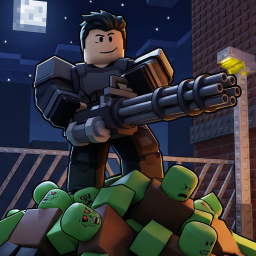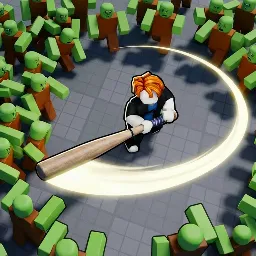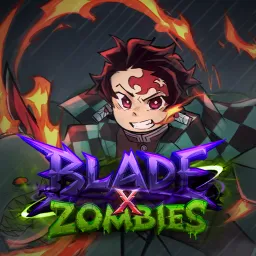
If you’re into fast-paced action and relentless zombie battles, Blade X Zombies on Roblox delivers a thrilling experience that will test your reflexes and teamwork. The game drops players into apocalyptic arenas where waves of zombies grow stronger with every round, pushing you to upgrade weapons, sharpen your sword skills, and rely on allies to survive the chaos. Each match feels unique, offering that addictive “just one more round” energy.
The Blade X Zombies Discord server acts as the perfect hub for players looking to dive deeper into the game’s community. It’s where survivors share gameplay clips, discuss weapon builds, and organize co-op runs for high-score attempts. The chat rooms are alive with energy — from veterans coaching new players to groups forming zombie-slaying squads in real time.
Beyond basic coordination, the server also functions as an information center. Updates, bug fixes, and event announcements appear there first, ensuring you never miss out on limited-time rewards or new maps. It’s also a space where you can directly engage with moderators and other fans who are passionate about perfecting every slash and strike.
Whether you’re here for casual fun or intense leaderboard competition, joining the Blade X Zombies Discord transforms the way you play. The combination of dynamic Roblox combat and a buzzing online community makes it easy to find allies, learn new tactics, and stay one step ahead of the undead.