Build a Dungeon

Design lethal labyrinths and wicked traps in Build a Dungeon, a Roblox game. Join the official Discord server to share layouts and test foes.

Build a Dungeon Discord server

Created: September 26, 2026

Members: 1030

Join Discord Server

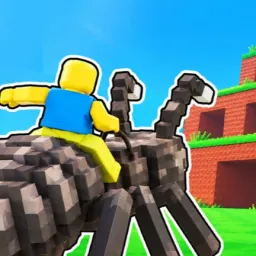
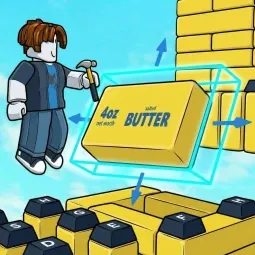
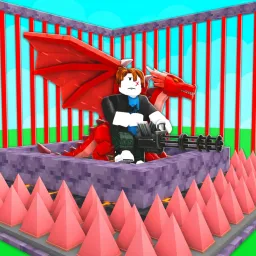
Building a proper subterranean nightmare takes more than just slapping a few stone walls together and calling it a day. In Build a Dungeon, a delightfully malicious Roblox builder, your primary job is designing obstacle courses engineered specifically to humble overly confident adventurers. You lay down the blueprints, hook up swinging blade pendulums, position spike pits, and place deviously hidden pressure plates that drop trespassers straight into pools of acid.

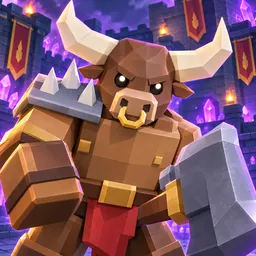
Once your fortress of doom is locked and loaded, the real fun kicks in as actual players try to breach your defenses. Watching someone meticulously dodge three different traps only to panic and sprint face-first into a giant boulder never gets old. Earning gold from every unfortunate soul that bites the dust lets you unlock even nastier architectural upgrades, deadlier monsters, and labyrinth expansions that stretch deep into the dark.

The official Build a Dungeon Discord server is packed with fellow evil masterminds comparing kill counts, sharing diabolical maze layouts, and complaining about players who somehow glitch past perfectly calculated death traps.

How to join the Build a Dungeon Discord server?

If you are wondering how to join the discord server "Build a Dungeon" to get the latest updates, announcements, and guides, just follow these simple steps:

  1. Scroll back to the top of this page and click the prominent "Join Discord Server" button.
  2. You will be instantly redirected to the official invite link for the Build a Dungeon community.
  3. If the direct link doesn't open automatically on your mobile device, simply copy the invite code from the URL, open your Discord app, click the "+" (Add a Server) icon, choose "Join a Server", and paste the code there.

Safe Browsing Reminder

Please note that Discord.Do is an unofficial educational guide and catalog. We are not affiliated with Discord, Inc. We will never ask for your password, email, or login token. True Discord authentication happens strictly on the official discord.com domain. Always verify your browser's address bar and practice digital hygiene!

Leave a Reply

Your email address will not be published. Required fields are marked *