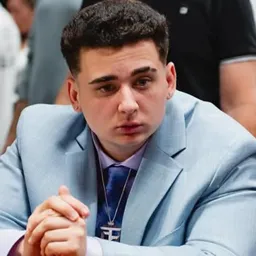
A Counter-Strike skin can be worth more than the computer it runs on, and few creators have made that side of CS2 as entertaining as ohnePixel. The German streamer Mark Zimmermann is known for his obsession with rare finishes, expensive inventories, case openings, and reactions to some of the most unusual items in the game. His streams attract both competitive players and viewers who are fascinated by the skin market.
The ohnePixel Discord is his official community hub, linked from his social profiles and Steam community page. It’s where fans can connect beyond the livestreams and share their interest in Counter-Strike. The wider community also has a strong trading focus, reflecting how much of ohnePixel’s content revolves around valuable skins and collecting.
There is plenty to talk about even when nobody is opening cases. Rare patterns, sticker combinations, float values, and the prices of sought-after knives can turn a single inventory reveal into a lengthy discussion. For CS2 skin collectors, these details are part of the appeal; for everyone else, the reactions to ridiculous pulls can be entertainment enough.
Of course, the community isn’t just about expensive inventories. Viewers can discuss memorable streams, Counter-Strike gameplay, and the moments that made it into clips. Whether you’re a serious skin enthusiast or simply tune in to see what ohnePixel will react to next, his Discord brings fans together around one of the most distinctive corners of the CS2 scene.