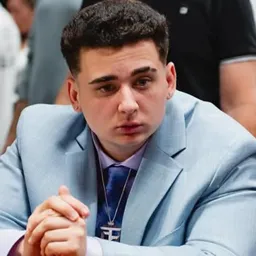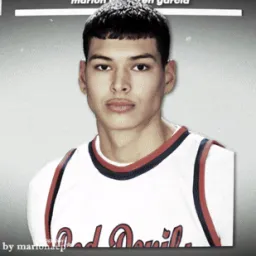
Marlon Lundgren Garcia, better known as Marlon or marlon3lg, doesn’t stick to one format. His Twitch channel moves between Just Chatting, IRL streams, gaming, and spontaneous conversations that can take an unexpected turn. Sometimes the appeal is the game; just as often, it’s the people involved and whatever happens when the camera is rolling.
The Marlon Discord, linked from his official creator profile, gives viewers a place to connect outside his livestreams. Fans can talk about recent broadcasts, share memorable moments, and keep up with the creator’s latest content. It’s a way to stay involved even when Marlon isn’t live.
Collaborations are a big part of his content, especially his appearances with other streamers and the CORE Boys crew. Group streams, challenges, and real-life adventures often bring out a different side of his personality than a solo gaming session. Those moments give viewers plenty to revisit and discuss with fellow fans.
Marlon has also built an audience beyond Twitch through YouTube videos, short-form clips, and social media. Whether you first found him through a viral moment or have followed his streams from the beginning, his Discord community is another place to keep up with what’s happening and chat with people who watch for the same reasons.