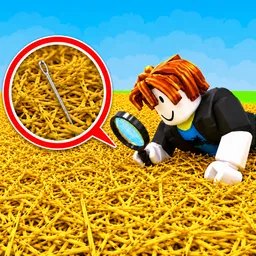
Six million strands of hay, a missing needle, and a warehouse with no apparent way out. Find The Needle turns that strange setup into an incremental factory simulator where the job begins with a shovel and ends with an increasingly elaborate network of machines searching through hay for you.
The Find The Needle Discord is the game’s official community, linked from its Steam page. Players can gather there to discuss their progress, share ideas, and follow announcements as development continues. With the full game still in development, the server is also a place to keep up with what’s being added and changed.
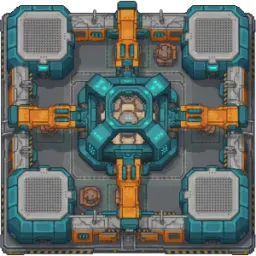
At first, you’ll be doing the work yourself with basic tools and a metal detector. Selling the hay provides money for better equipment, and soon conveyor belts, scanners, balers, and robotic arms take over the repetitive parts. Hay can also be processed into products such as compressed bales, paper, pellets, and eco bricks, turning a simple search into a much larger production operation.
The tech tree has more than 300 upgrades, so deciding what to automate and how to arrange your machinery becomes a project of its own. The Discord gives players somewhere to compare factory ideas and discuss how far they’ve progressed. There’s still one unanswered question hanging over the whole operation: what actually happens when you find every needle?