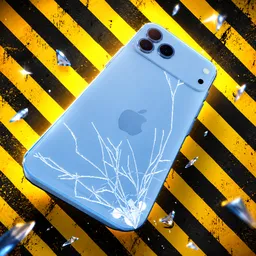
Your phone survived the fall. What about a little fire, a swim, or being left on charge for too long? In Realistic Phone Drop Test, a Roblox physics simulator by Gaming Group Era, you can put virtual phones through all kinds of abuse, then try repairing them or simply use them as intended. The fun comes from seeing what happens when you push each device to its limits.
Chips earned through gameplay help you unlock more phones, giving you new devices to experiment with instead of repeating the same test forever. You can smash screens, try different ways of damaging a phone, and see how much you can get out of the repair system. Or ignore the destruction altogether and mess around with the phones in a multiplayer server.
The official Realistic Phone Drop Test Discord is the place to follow new phone additions, discuss discoveries, and keep up with updates. The game also ties new content to likes milestones, so community growth can bring more devices into the experience. Players can compare experiments and share the strange results they get from their tests.
There isn’t much to lose when the phone is virtual — which is exactly what makes the sandbox appealing. Whether you’re trying to unlock another device, experimenting with water and fire, or watching friends destroy their phones in increasingly ridiculous ways, there’s always another test to try.