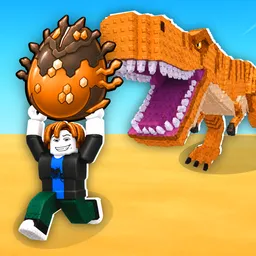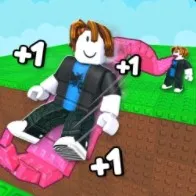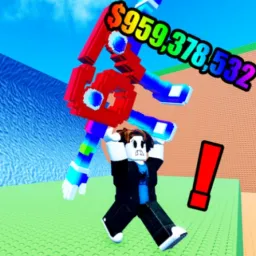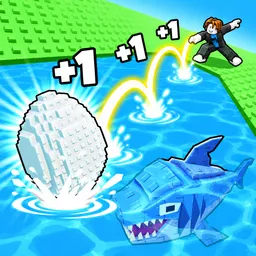
How far can you send an egg when your character has enough power behind the throw? That’s the central challenge in Egg Skipping, a Roblox simulator where training translates into distance, and distance leads to better rewards. What starts as a simple throwing challenge gradually becomes a progression grind as you work toward stronger throws and more valuable prizes.
Pets add another reason to keep building your collection. They help generate cash, giving you more resources to invest in your progress. Better results mean more room to improve, and the cycle of training, throwing, collecting rewards, and upgrading is what keeps each session moving.
The official Egg Skipping Discord brings the game’s players together to discuss their progress, share discoveries, and follow community announcements. Comparing how far you’ve reached or showing off a new collection gives players something to talk about beyond the basic gameplay loop. It’s also a place to keep up with changes to the experience.
There’s a simple satisfaction in watching a throw go farther than the last one. The real goal is to keep improving your strength and collection until the rewards that once seemed out of reach become achievable. Egg Skipping takes an uncomplicated idea and builds an entire simulator around seeing just how far you can push it.