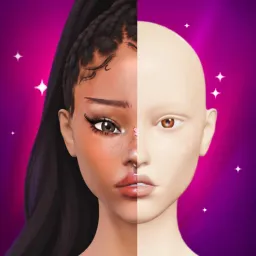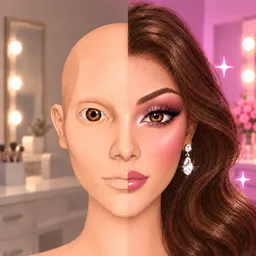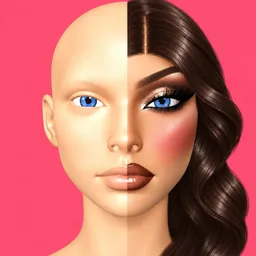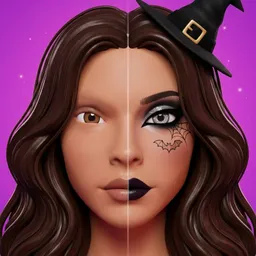
Forget picking a preset face and calling it a makeover. Paint Me Makeup Showdown lets you do the work yourself, using a brush to apply makeup directly to a 3D face. Eyeliner, blush, eyeshadow, lipstick, lashes and glitter are all yours to play with, so the finished look depends on your own choices and how steadily you can apply them.
The fun comes from seeing how differently people interpret the same beauty idea. One look might lean into clean-girl simplicity, another into bold baddie glam, while someone else goes full goth. You can blend colours by hand, undo mistakes, zoom in for finer details, and then put your creation up for other players to judge. It’s part makeup practice, part creative challenge.
The official Paint Me Makeup Showdown Discord gives fans a place to talk about their looks, exchange ideas, and keep up with the game. For a game built around personal style, there’s plenty to discuss beyond who wins a round: colour combinations, details that make a look work, and the little touches that turn an ordinary face into something memorable.
Not every attempt will turn out as planned, and that’s part of the appeal. Experiment with a different aesthetic, try a technique you haven’t used before, or see what happens when you stop playing it safe. The next look might be your best one yet — or a masterpiece in a completely unexpected direction.