The official Spin To Upgrade Discord is worth checking for more than ordinary game discussions. Tier Up Studios uses the community to share codes, update logs, and sneak peeks of upcoming additions. Players can also exchange mining tips, compare rare finds, and discuss progression as new content becomes available.
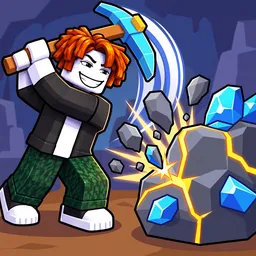
In Spin To Upgrade!, a Roblox incremental mining simulator, your pickaxe determines how far you can progress. Break ore deposits, collect valuable gems, and sell materials to earn coins for better equipment. Each upgrade opens access to another mining zone, where stronger deposits and rarer discoveries await. The challenge is choosing when to invest in another pickaxe upgrade and when to concentrate on building your collection.
Mining isn’t the only source of income. Miners placed on your plot continue generating coins while you’re offline, reducing the amount of manual grinding needed. There are also server-wide Boost Wheel events offering multipliers of up to 3x, along with eight playtime gifts containing additional rewards. Roblox Premium members receive double the playtime gifts.
Guilds and the Golem Raid add further reasons to engage with other players. Meanwhile, rare gems, pickaxe variants, and increasingly demanding mining zones provide individual progression goals. The Discord is particularly useful for keeping track of new codes and previews rather than relying solely on what appears in the game itself.