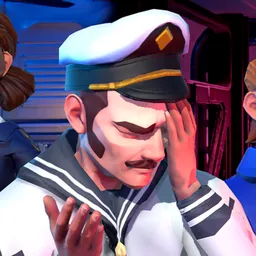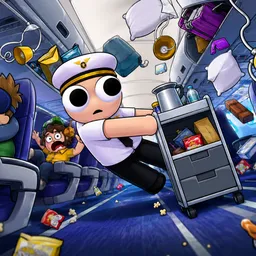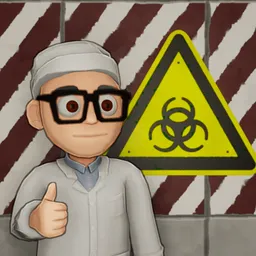
A shift at a nuclear power plant sounds manageable until the cooling system starts failing, the lights go out, and someone drops a fuel rod. That’s the kind of workplace Meltdown Crew puts players in. This physics-driven co-op game sends up to six people into an old-fashioned reactor facility, where keeping the plant running is a shared responsibility.
The interesting part is how the crew has to communicate. Some players stay in the control room while others handle problems around the facility. Proximity voice chat and actual landline phones connect the two, making coordination essential. Even simple repairs can turn into a mess when equipment is fragile and the reactor refuses to cooperate.
The official Discord server has a role beyond bringing players together. Meltdown Games uses it to organize playtests and collect feedback, giving community members a chance to report problems and influence development. Players can also discuss their experiences with the demo, find people for multiplayer shifts, and follow announcements.
Not every shift ends successfully, of course. That’s half the fun. Between unexpected breakdowns, radiation problems, blown fuses, and questionable decisions from coworkers, Meltdown Crew gives players plenty to talk about after a session. The Discord community is where those conversations continue and where interested players can get involved in testing the game.