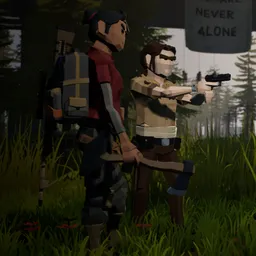
Join the official 30 Floors Up Discord server to meet fellow survivors, exchange survival strategies, discuss the zombie apocalypse, and follow game updates.
The safest place in a zombie apocalypse can also become a trap. In 30 Floors Up, your apartment is perched high above a city overrun by the undead. Food won’t magically appear, water supplies need attention, and the slightest noise in the hallway can attract unwanted visitors. Staying alive means making the most of what you have rather than rushing into danger.
Survival involves more than barricading the front door. Players can search for supplies, reinforce their homes, build shelters on the rooftop, help other residents, and look for ways out of the building. There are also secrets to uncover and difficult decisions to make: wait for someone to rescue you or take your chances outside?
The official 30 Floors Up Discord server is a natural meeting place for people trying to survive the outbreak. Share stories from scavenging trips, compare approaches to securing an apartment, exchange ideas about escape routes, and find other players for cooperative runs. It’s also a good place to follow discussions and keep up with the game’s development.
How to join the 30 Floors Up Discord server?
If you are wondering how to join the discord server "30 Floors Up" to get the latest updates, announcements, and guides, just follow these simple steps:
- Scroll back to the top of this page and click the prominent "Join Discord Server" button.
- You will be instantly redirected to the official invite link for the 30 Floors Up community.
- If the direct link doesn't open automatically on your mobile device, simply copy the invite code from the URL, open your Discord app, click the "+" (Add a Server) icon, choose "Join a Server", and paste the code there.
Safe Browsing Reminder
Please note that Discord.Do is an unofficial educational guide and catalog. We are not affiliated with Discord, Inc. We will never ask for your password, email, or login token. True Discord authentication happens strictly on the official discord.com domain. Always verify your browser's address bar and practice digital hygiene!