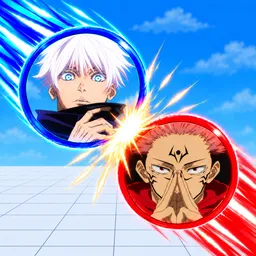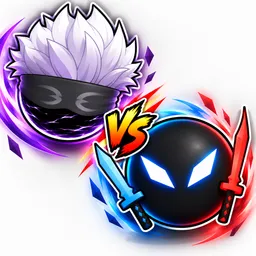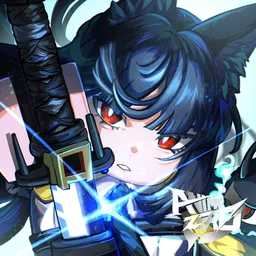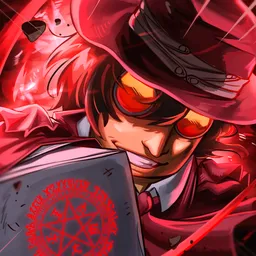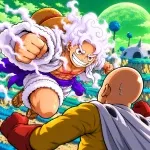
Recognizing a familiar anime character is one thing; figuring out how to beat them in a fight is another. Anime vs Anime! is a Roblox fighting and collection game where players summon characters from different anime and manga universes, build their own fighter lineups, and put them to the test in competitive battles.
Every fighter comes with individual moves, an ultimate ability, and an awakening. That makes collecting new characters more than just filling up a roster: discovering how their abilities work and finding combinations that complement each other is a big part of the experience. Players can take direct control during battles or switch to Auto Fight, depending on how they prefer to play.
The official Anime vs Anime Discord server gives fans a place to discuss their favourite fighters, share team combinations, exchange combat strategies, and find opponents. It’s also useful for following character additions, balance changes, reworks, and other announcements as the developers continue expanding the game.
Whether you’re more interested in putting together an unbeatable lineup or testing individual characters against other players, there’s plenty of room to experiment. With both 1v1 and 2v2 battles available, team building and knowing how different fighters complement each other can make all the difference.