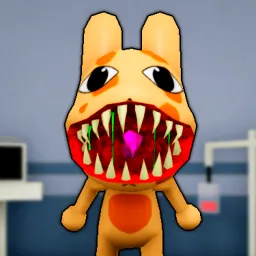
Armless Detective is one of Roblox’s most unconventional mystery adventures, where you take on the role of a detective solving strange and sometimes darkly humorous cases — without arms. The limitation becomes part of the charm, forcing creative problem-solving and teamwork to uncover secrets hidden throughout the game’s detailed environments. Each mission introduces new puzzles, eccentric suspects, and unexpected twists that keep players hooked from start to finish.
The official Armless Detective Discord server acts as a hub for sleuths who love sharing theories and decoding in-game mysteries. It’s where players gather to piece together clues, exchange discoveries, and debate over hidden lore elements. Some channels even host live “case nights,” where players team up to solve puzzles together in real time.
Developers frequently drop hints, patch notes, and lore teasers directly into the Discord, giving dedicated players a front-row seat to upcoming updates. This ongoing dialogue has created a vibrant community that thrives on curiosity and collaboration — essential traits for any good detective.
Whether you’re untangling your first mystery or diving deep into secret storylines, joining the Armless Detective Discord brings the investigation to life. It transforms the game from a solo experience into a shared detective saga where every clue and theory can lead to the next big breakthrough.