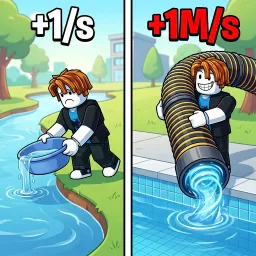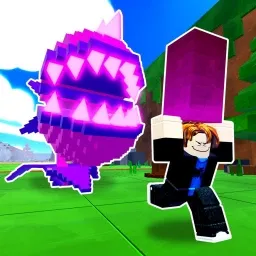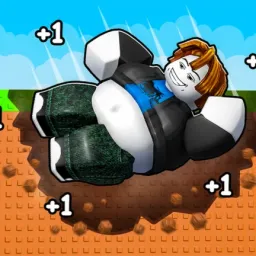
Clicker games often look straightforward until players begin comparing progress. Two people can spend the same amount of time in +1 Fat Per Click and end up with completely different results simply because they upgraded in a different order, chose different pets, or decided to rebirth at different moments. Those differences are what keep the game’s Discord community active long after players leave the game.
Rather than serving as a place only for announcements, the Discord server has become a hub where players exchange ideas about progression. Discussions range from efficient clicking methods and pet combinations to rebirth timing and unlocking new worlds. When someone discovers a faster way to advance, it usually doesn’t stay a secret for long.
The community is equally valuable for newcomers. Instead of learning everything through trial and error, new players can ask which upgrades deserve attention first, how to increase their multiplier more efficiently, or what goals are worth pursuing before the next rebirth. Experienced members regularly share advice that helps others avoid common mistakes and build momentum early in the game.
Progress in +1 Fat Per Click never really stops. New pets, fresh areas, additional upgrades, and seasonal events give players new objectives to chase, and each update starts another round of discussion inside the server. Whether members are comparing impressive milestones or helping someone reach the next stage faster, the Discord community grows alongside the game itself.