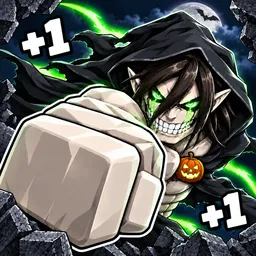
+1 Paper Plane

+1 Paper Plane Roblox official Discord for free game codes, flight-distance records, pet collections, and plane upgrade strategies.

+1 Paper Plane Discord server

Created: October 04, 2026

Members: 600

Join Discord Server

In +1 Paper Plane, every launch is a chance to beat your previous distance. This Roblox incremental simulator by PLANES INC revolves around building Power, throwing paper planes, and earning Wins to unlock better equipment. Training continues even while you’re offline, so returning to the game can mean having enough strength for another major upgrade.

The official +1 Paper Plane Discord is particularly useful for players looking for free game codes. The community also shares announcements, discusses progression, and gives players a place to compare their achievements. Checking the server for new codes can provide additional rewards and help speed up the early stages of development.

Pets add another layer to the progression system. You can hatch eggs, collect companions with different bonuses, and improve their contribution to your flight performance. Rebirths provide permanent progression boosts, while new worlds introduce further unlocks and increasingly demanding goals.

Flight distance is the obvious measure of progress, but collecting pets and improving your setup are just as important for reaching the higher ranks. The in-game leaderboard lets you compare results with other players, giving experienced pilots another reason to keep improving their throws.


How to join the +1 Paper Plane Discord server?

If you are wondering how to join the discord server "+1 Paper Plane" to get the latest updates, announcements, and guides, just follow these simple steps:

  1. Scroll back to the top of this page and click the prominent "Join Discord Server" button.
  2. You will be instantly redirected to the official invite link for the +1 Paper Plane community.
  3. If the direct link doesn't open automatically on your mobile device, simply copy the invite code from the URL, open your Discord app, click the "+" (Add a Server) icon, choose "Join a Server", and paste the code there.

Safe Browsing Reminder

Please note that Discord.Do is an unofficial educational guide and catalog. We are not affiliated with Discord, Inc. We will never ask for your password, email, or login token. True Discord authentication happens strictly on the official discord.com domain. Always verify your browser's address bar and practice digital hygiene!

Leave a Reply

Your email address will not be published. Required fields are marked *