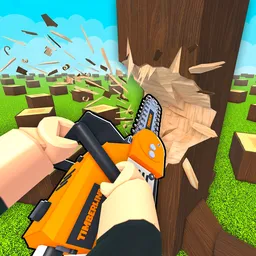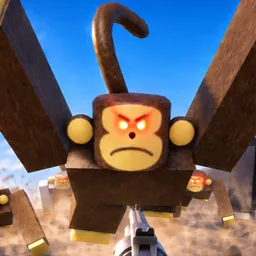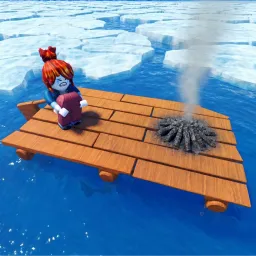
99 Nights in the Forest I Class Notifier I Tips & Tricks

https://discord.com/invite/99nightsforest 99 Nights in the Forest Discord server

99 Nights in the Forest I Class Notifier I Tips & Tricks

Created: February 24, 2021

Members: 82256

Join Discord Server

Welcome to the official Discord server for 99 Nights in the Forest!
A mysterious Roblox adventure where you must survive 99 nights in the forest.

What you’ll find here:

Tips & Tricks
Get survival strategies, secret locations, and helpful advice from experienced players. Share your own discoveries and help others survive the nights!

️ Active & Fair Moderation
Our mod team keeps the server friendly, respectful, and safe. No toxicity, no spam—just pure fun and community spirit.

Announcements & Game Updates
Stay informed about new features, patches, and in-game events straight from the developers.

Community Hangout
Chat with other players, find teammates for co-op sessions, and join in on fun events hosted by the server.

Fan Art & Creations
Show off your art, memes, or videos inspired by 99 Nights in the Forest!

How to join the 99 Nights in the Forest I Class Notifier I Tips & Tricks Discord server?

If you are wondering how to join the discord server "99 Nights in the Forest I Class Notifier I Tips & Tricks" to get the latest updates, announcements, and guides, just follow these simple steps:

  1. Scroll back to the top of this page and click the prominent "Join Discord Server" button.
  2. You will be instantly redirected to the official invite link for the 99 Nights in the Forest I Class Notifier I Tips & Tricks community.
  3. If the direct link doesn't open automatically on your mobile device, simply copy the invite code from the URL, open your Discord app, click the "+" (Add a Server) icon, choose "Join a Server", and paste the code there.

Safe Browsing Reminder

Please note that Discord.Do is an unofficial educational guide and catalog. We are not affiliated with Discord, Inc. We will never ask for your password, email, or login token. True Discord authentication happens strictly on the official discord.com domain. Always verify your browser's address bar and practice digital hygiene!

Leave a Reply

Your email address will not be published. Required fields are marked *