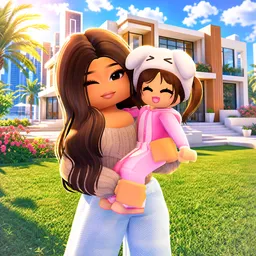
Neighbors is a social hangout game on Roblox developed by West Corner. It offers a unique experience where players can engage in voice chat with strangers across various themed environments. The game emphasizes spontaneous interactions, allowing users to meet new people and participate in diverse activities within the virtual world.
The gameplay in Neighbors is centered around social interaction and exploration. Players can enter different worlds, each designed to facilitate conversations and connections. The game includes features that enable users to customize their avatars and environments, enhancing the immersive experience.
To support its community, Neighbors has an official Discord server where players can connect outside the game. This server provides a platform for users to discuss the game, share experiences, and stay updated on the latest developments. It fosters a welcoming environment for both new and returning players to engage with each other.
Joining the Neighbors Discord server offers several benefits, including access to announcements, community events, and support channels. It serves as an extension of the in-game experience, allowing players to build relationships and participate in discussions that enhance their overall engagement with the Neighbors community.