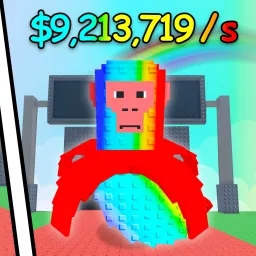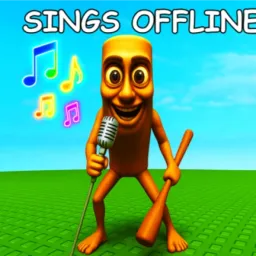
My Singing Brainrot is a charming twist on the idle-collection genre, centered around hatching quirky Brainrot creatures that serenade you with song and generate steady income. Players purchase Eggs from a conveyor, plant them on expandable land plots, and wait for Brainrots to hatch and start producing money every second. As your Brainrot chorus grows, so does your profit—and your ability to upgrade further.
What makes the experience engaging is its simple yet satisfying loop. You buy the best Eggs you can afford, hatch Brainrots, collect coins simply by walking near them, then reinvest in bigger land plots and higher-tier Eggs. Seasonal leaderboards encourage friendly competition, while visually diverse Brainrot styles add charm to the progression.
For players looking to hatch faster and optimize layouts, the official Discord server is invaluable. It’s the first place code drops land—granting free Eggs, coins, or timed boosts—and where the devs announce updates, seasonal events, and limited-time promotions. You’ll also find strategy channels dedicated to layout planning, Egg prioritization, and land expansion tips—all contributed by an enthusiastic and supportive community.
Whether you’re aiming to top the leaderboard or just accumulate a delightful choir of Brainrots, My Singing Brainrot delivers a breezy and rewarding gameplay loop. And with its Discord serving up exclusive codes, community wisdom, and early news, you’ll always have harmony between your game and the growing server community.