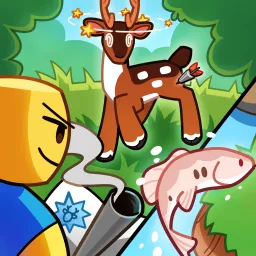
Gone Hunting invites Roblox players to experience the quiet thrill of the hunt. Set across sprawling forests, mountains, and rivers, this immersive simulator captures the essence of outdoor exploration. Players can track animals, refine their shooting accuracy, and unlock new gear as they improve their hunting skills. Whether you prefer stalking deer through dense brush or setting up for a long-distance shot, Gone Hunting offers both challenge and tranquility.
The official Discord server acts as the game’s hunting lodge — a place where players gather to share their latest trophies, exchange strategies, and showcase their favorite gear setups. Seasoned hunters often guide newcomers through tracking techniques, while developers use the server to post updates, bug fixes, and sneak peeks of upcoming locations or animal species.
Community events like leaderboard challenges or photo contests add excitement beyond the wild. Many players participate in team hunts or compete for rare achievements, bringing a social layer to an otherwise peaceful pastime.
Gone Hunting stands out as one of Roblox’s most grounded outdoor simulators, merging skill, patience, and strategy into a deeply rewarding loop. By joining the official Discord, you’ll gain access to a vibrant community that values both the sport and the serenity of the hunt — a perfect balance for explorers and marksmen alike.