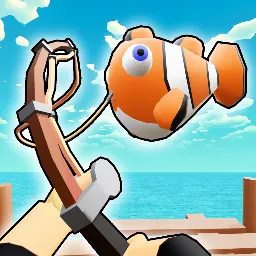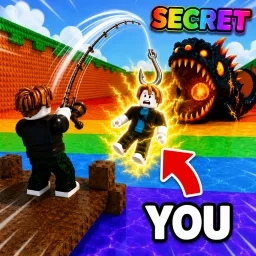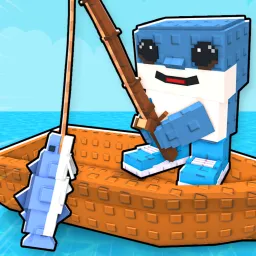
Fisch is a captivating fishing adventure game on Roblox that invites players to explore a vast ocean teeming with diverse marine life. Developed by WoozyNate, Fisch offers a unique blend of exploration and progression, allowing players to cast their lines and catch rare and unique fish. The game emphasizes a non-pay-to-win approach, focusing on optional cosmetics and game passes that enhance the visual experience without impacting gameplay balance.
In Fisch, players can customize their fishing gear, including rods and bait, to improve their chances of catching elusive species. The game features seasonal events and updates, introducing new challenges and opportunities to discover hidden treasures beneath the waves. Whether you’re a casual player seeking relaxation or a dedicated angler aiming to complete your fish collection, Fisch provides an immersive and rewarding experience.
To foster community engagement, Fisch maintains an active Discord server with over 940,000 members. This platform serves as a hub for players to share tips, discuss strategies, and stay informed about the latest game updates and events. The Discord community also offers support for new players, making it an excellent resource for those looking to deepen their understanding of the game mechanics.
Joining the Fisch Discord server enhances the overall gaming experience by connecting players with a supportive and enthusiastic community. Whether you’re seeking advice on catching specific fish, looking to participate in community events, or simply wanting to share your in-game achievements, the Discord server provides a welcoming environment for all.