Deep Fishing

Deep Fishing official Discord for Roblox players to discuss rare catches, fishing upgrades, new waters, and game updates.

Deep Fishing Discord server

Created: August 12, 2026

Members: 12771

Join Discord Server

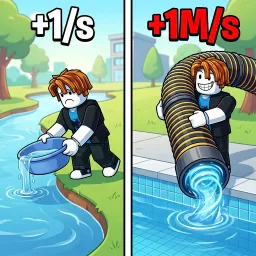
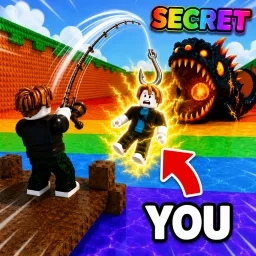
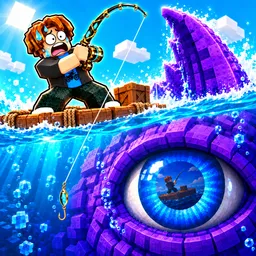
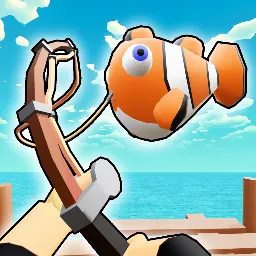
Deep Fishing by LazyGames puts a simple twist on fishing: the farther you cast, the more opportunities you have to find rare fish. Upgrade your Strength, reach new waters, catch multiple fish in one throw, and sell your haul to fund the next improvement. The goal is to keep pushing your casting distance and build a better collection.

The Deep Fishing Discord community gives players a place to talk about their catches, share progress, and follow game updates. It’s particularly useful when you’re looking for advice from people who have already reached waters you haven’t unlocked yet.

Upgrades are the heart of the grind. Better casting distance opens access to new fishing areas, where rarer catches make the effort worthwhile. Selling fish and reinvesting your earnings keeps the cycle moving, while collecting rare species gives you another reason to keep going.

New content also gives players something to return for, including the game’s newer pets and egg features. Join the conversation, compare your best catches, and keep up with what’s changing in Deep Fishing as you work toward becoming a top angler.

How to join the Deep Fishing Discord server?

If you are wondering how to join the discord server "Deep Fishing" to get the latest updates, announcements, and guides, just follow these simple steps:

  1. Scroll back to the top of this page and click the prominent "Join Discord Server" button.
  2. You will be instantly redirected to the official invite link for the Deep Fishing community.
  3. If the direct link doesn't open automatically on your mobile device, simply copy the invite code from the URL, open your Discord app, click the "+" (Add a Server) icon, choose "Join a Server", and paste the code there.

Safe Browsing Reminder

Please note that Discord.Do is an unofficial educational guide and catalog. We are not affiliated with Discord, Inc. We will never ask for your password, email, or login token. True Discord authentication happens strictly on the official discord.com domain. Always verify your browser's address bar and practice digital hygiene!

Leave a Reply

Your email address will not be published. Required fields are marked *