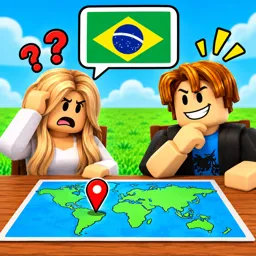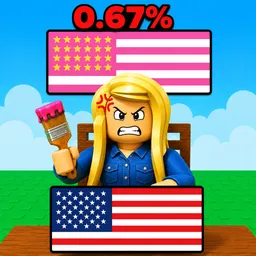
When a new grid section unlocks in Color My Flag, painters immediately split into two distinct camps: those who strictly follow real-world country templates and those who show up just to mess with the borders. Because filling in every pixel requires managing cooldowns or coordinating with other players to cover large areas, trying to finish a massive national flag on a public server by yourself usually ends in a turf war. The game’s official Discord server exists specifically to turn that chaotic free-for-all into organized canvas takeovers.
Instead of fighting against random pixel griefers, players use the community channels to pitch original flag designs, post grid blueprints, and call for assistance on complex builds. If someone wants to assemble a pixel-perfect rendition of a detailed regional emblem, they can drop their plan in chat and recruit a handful of active painters to split the labor. That level of real-time teamwork eliminates the frustration of solo painting and keeps finished art protected from being wiped out mid-construction.
Having a direct link to the developers through an official hub also changes how the community tracks future content. Rather than guessing when new canvas spaces or custom palette tools might arrive, server members follow official announcement channels for direct progress previews and updates on server rules. This setup allows casual artists to give feedback on grid limits or report griefing issues while keeping veterans tuned in for upcoming additions to the color selection.
Unlike standard gaming hubs that revolve around combat stats or rare drops, this community thrives purely on creative coordination and regional pride. Between organizing group builds to dominate entire canvas sections and getting early word on upcoming mechanics straight from the creators, the official Discord turns a simple block-painting loop into an active workshop for collaborative art.