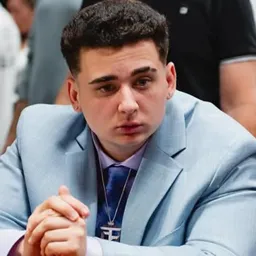
A stream with xQc rarely stays on one track for long. Félix Lengyel went from professional Overwatch to becoming one of the most recognizable variety streamers online, known for marathon broadcasts, rapid-fire reactions, and a chat that has developed its own language. These days, his content ranges from GTA V roleplay and gaming to watching internet videos and reacting to whatever has caught his attention.
His community calls itself the Juicers, and Xqc’s Jungle 🍌 is their Discord home. Clip channels capture the moments that fly by during long streams, while memes, copypastas, and familiar inside jokes give regulars plenty to talk about. It’s the kind of community where a single reaction can become a running joke long after the original broadcast.
GTA roleplay has become a major source of stories for viewers, especially when xQc gets involved in NoPixel scenarios that unfold over multiple streams. But the conversation isn’t limited to RP: Overwatch, variety games, reactions, collaborations, and stream drama all find their way into the mix. Voice chats and general discussion channels let fans hang out even when xQc is offline.
For Juicers, the fun is often in following the chaos as it develops and then revisiting the best moments with everyone else. Xqc’s Jungle brings those conversations, clips, and community jokes together, giving viewers somewhere to keep up with the next stream and the stories that grow around it.