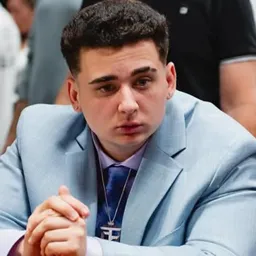
Joe Bartolozzi has a talent for making the internet’s strangest videos even funnier. Known for his loud reactions, sarcastic commentary, and increasingly exasperated rants, Joe has built an audience across Twitch, YouTube, and TikTok. His content jumps between bizarre online trends, questionable life choices, gaming fails, and whatever else gives him a reason to lose his mind on camera.
His Discord community, Bart’s EVIL Lounge, gives fans somewhere to hang out beyond the livestreams. It’s a place to meet other viewers, talk about recent uploads, and keep the conversation going after a particularly memorable reaction. The server is linked through Joe’s creator channels, making it a natural extension of the content he posts elsewhere.
Gaming remains part of Joe’s output, with a separate channel for gameplay and another for stream VODs. That means there’s plenty to revisit between live broadcasts, whether you’re watching him struggle through a horror game or deliver an extended rant about something ridiculous he found online. The best moments often come from his unfiltered reactions rather than the subject of the video itself.
For regular viewers, the Discord offers a shared space for the jokes, clips, and conversations that build up around Joe’s content. Catch up with fellow fans, discuss the latest videos, and see what everyone is talking about while waiting for the next stream to deliver another perfectly timed meltdown.