Forgetful Gecko brings a personal touch to online content, mixing art, furry and alterhuman interests with glimpses into everyday life. On YouTube, the creator shares artwork, creative projects, fan mail openings, and videos built around the things they enjoy. The result is a channel that feels less tied to one format and more like following someone’s interests as they develop.
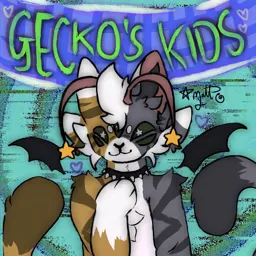
Gecko’s Kids is the official Discord community for Forgetful Gecko. It’s centered on the creator’s audience, with a strong focus on therianthropy and alterhuman identity. Members can meet people with similar interests, talk about their experiences, and take part in conversations that go beyond the latest upload.
Art and self-expression are a big part of the appeal here. Whether it’s sharing a new drawing, discussing furry characters, or talking about personal projects, the community brings together people who enjoy expressing themselves in different ways. For viewers who want more interaction than YouTube comments allow, the server offers a place to get to know fellow fans.
Gecko’s Kids is also a community in its own right, not just a place to discuss videos. The mix of creator fandom and shared interests gives members reasons to stick around between uploads. If you follow Forgetful Gecko’s content or want to connect with others in the therianthropy community, the server brings those two worlds together.