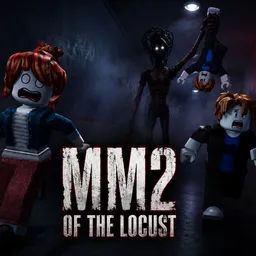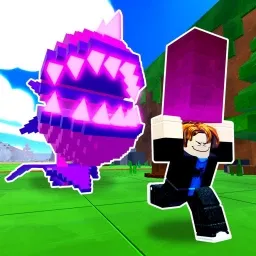
In BEAR, knowing the map can be just as important as knowing your opponent. One player takes control of Bear, while the remaining players must survive until the timer runs out. Survivors can interact with map puzzles to reduce the countdown, turning each round into a race between completing objectives and avoiding the hunter.
The difference between a successful escape and an early elimination often comes down to stamina management. Running constantly leaves little room to react when Bear gets close, while understanding the layout helps Survivors find useful escape routes. Playing as Bear requires a different approach: anticipating movement, controlling important areas, and preventing Survivors from completing their objectives.
BEARSTAR is the official Discord community for BEAR. Players can connect with other fans, discuss maps and game modes, share strategies, and follow announcements. It is also a place to talk about the game’s progression systems and exchange experiences with regular players.
Map mastery provides an additional reason to keep playing. Earning Mastery XP unlocks exclusive cosmetic rewards, while Quidz give players another way to expand their collections. Different game modes change the familiar pursuit in their own ways, giving both Bear players and Survivors new situations to deal with. Whether you prefer hunting or escaping, learning the maps remains a major part of improving your performance.