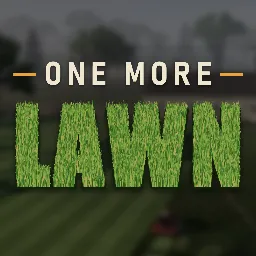
Some people take pride in a perfectly cut lawn. The protagonist of One More Lawn takes it personally, even if he’d rather be drinking beer and complaining than doing the actual work. This quirky first-person simulation from Superdou puts you behind the wheel of a battered riding mower, taking on increasingly demanding jobs for customers who have very different ideas about what a finished lawn should look like.
Getting those stripes just right takes more than driving around in circles. Grass reacts to the wind and mower blades, cutting height changes the result, and the edges still need attention with a string trimmer. Running low on fuel means getting off and fetching the can yourself. Once the residential lawns are under control, there’s a neglected golf course to restore and an island wedding venue that needs some serious landscaping.
One More Lawn also has a social side that goes beyond watching someone else mow. Friends can bring their own machines, work on the same property, chat through proximity voice, or get distracted with barbecue, fishing, golf and general messing around. The built-in map editor opens up another creative outlet: design a landscape, add ponds, paths, hills and decorations, then publish it through Steam Workshop.
For players who enjoy creating rather than just mowing, the official One More Lawn Discord server is a natural place to share custom lawn ideas, find people for cooperative sessions, compare creations, and follow announcements from Superdou. There’s plenty of room for conversations about mower setups, ambitious landscaping projects, and the wonderfully pointless activities that tend to happen when friends get together.