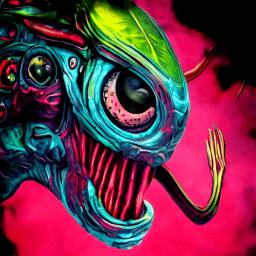
We are a group of friendly, creative, and supportive individuals who come together to inspire and create stunning AI art. Whether you’re an artist, an experienced digital illustrator, a storyteller, or just start learning Midjourney or any other AI art, we welcome everyone to join us on this exciting journey.
Our community provides access to a wide range of cutting-edge AI tools, from easy to advanced, to help you create amazing art pieces. We have free SDXL, Adobe Firefly, Bing AI, and other Stable Diffusion generators along with state-of-the-art AI models including ControlNet, face fixing, background removal, and more that will elevate your art to a whole new level.
You can generate unlimited art pieces with the help of accessing ChatGPT (GPT-4), Bard, PaLM 2, and LLaMA from anywhere in the world. We don’t ask for any credit card details, SMS, or any other information. Immediate access is granted to our community, and everything is completely free!
We believe in the power of creativity and encourage all members to support and learn from each other. We also have a prompt search tool and a prompt study group to help you improve your prompting skills.
Join us today and be part of a community where you can express your creativity and create awesome art for free!