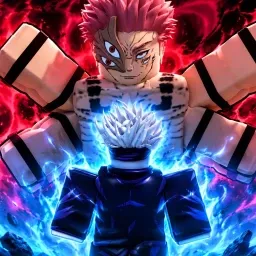
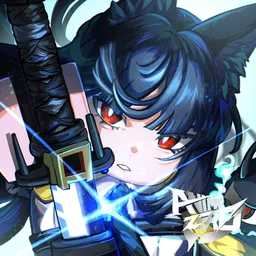
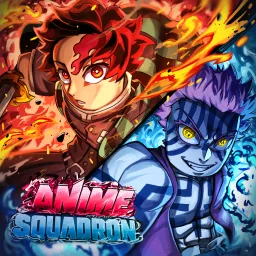
Anime Raid on Roblox pulls players straight into a world where anime powers collide in epic battles. You gather and upgrade iconic heroes, then dive into intense raid missions that test your timing, teamwork, and tactical skill. Each battle is more than a grind — it’s a spectacle of flashing abilities and fast-paced action that rewards those who can coordinate attacks and adapt on the fly.
The game’s official Discord server serves as a command center for raiders. Players group up to plan raid runs, exchange strategies for difficult bosses, and share tips on which characters are best for certain challenges. It’s the perfect place for both casual and competitive players to meet allies and grow stronger together.
Beyond coordination, the Discord thrives on community-driven energy. Fan-made guides, hero tier lists, and highlight clips constantly fill the channels, creating a living archive of collective experience. Developers occasionally drop updates and event announcements there too, keeping fans engaged and ready for the next big raid.
In Anime Raid, the Discord isn’t just an add-on — it’s the lifeblood of the experience. When the action gets tough, it’s the players you meet there who’ll help you master your team and rise through the ranks of anime warriors.