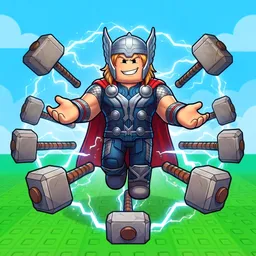
Opening one more package is an easy promise to make in Unbox ASMR. Every box has the chance to reveal something you’ve been chasing, and that anticipation becomes the heart of the game. Players quickly move from hoping for any reward to hunting for specific collectibles, comparing their luck, and finding the fastest ways to expand their inventories.
Those goals naturally carry over into the ASMR Labs Discord server, where the conversation rarely stays on one topic for long. New players arrive with questions about progression, collectors celebrate difficult finds, and regulars trade advice on making steady progress. Instead of treating each unboxing as a solo experience, the community turns rare discoveries into shared moments that everyone can react to.
The server also becomes especially active whenever the developers release new content. Members keep an eye on announcements, discuss freshly added boxes and collectibles, and test changes as soon as updates go live. Promotional codes, when available, are quickly shared alongside patch information, making Discord one of the first places players check before jumping back into the game.
ASMR Labs feels less like a place to simply read announcements and more like an ongoing showcase of everyone’s progress. One player posts an unbelievable pull, another sets a new collecting milestone, and someone else is already trying to figure out what the next update might bring. That constant exchange gives Unbox ASMR a community that stays active even after the excitement of opening the latest box has passed.