Attack on Titan: Retake
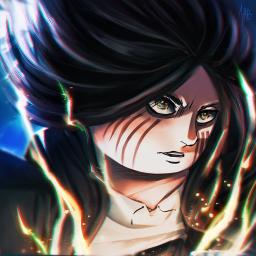
Retake is a game that's currently in development, exclusively on Roblox.
Retake is a game that's currently in development, exclusively on Roblox.
If you are wondering how to join the discord server "Attack on Titan: Retake" to get the latest updates, announcements, and guides, just follow these simple steps:
Please note that Discord.Do is an unofficial educational guide and catalog. We are not affiliated with Discord, Inc. We will never ask for your password, email, or login token. True Discord authentication happens strictly on the official discord.com domain. Always verify your browser's address bar and practice digital hygiene!