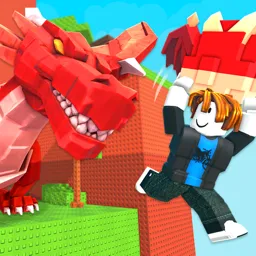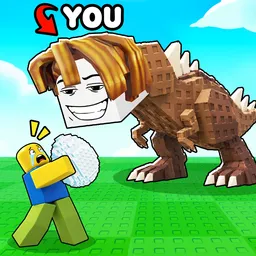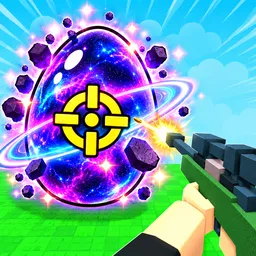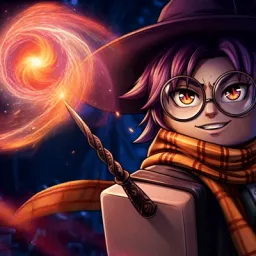
Beaks is an upcoming Roblox game developed by Nekami that offers a unique blend of bird-catching and tranquilizer-based shooting mechanics. Set in diverse environments such as jungles, forests, and the eerie “Deadlands,” players explore these areas to tranquilize rare birds and sell them for in-game currency. The game emphasizes exploration and collection, providing a fresh take on the genre. With its engaging gameplay and immersive world, Beaks is poised to be a standout title on the Roblox platform.
The gameplay in Beaks revolves around completing quests, unlocking new rifles, and discovering hidden locations filled with Easter eggs and references to popular culture. Players can expect to encounter a variety of bird species, each with unique behaviors and habitats, adding depth to the hunting experience. The game’s design encourages players to explore and interact with the environment, making each session a new adventure.
The official Beaks Discord server serves as the central hub for the game’s community. Here, players can access the latest news, updates, and exclusive codes that provide valuable in-game rewards. The server offers channels for discussions, support, and feedback, allowing players to connect with each other and the developers. This active engagement fosters a collaborative environment where players can share strategies, report bugs, and contribute to the game’s continuous evolution.
Joining the Discord server not only keeps players informed but also provides opportunities to participate in events and giveaways. The community-driven atmosphere encourages sharing insights and suggestions, contributing to the game’s ongoing development. Whether you’re a seasoned strategist or new to the game, the Beaks Discord server is an essential resource for enhancing your gameplay experience.