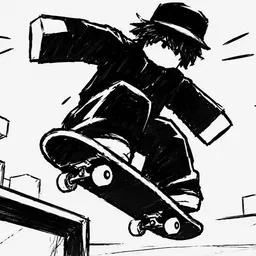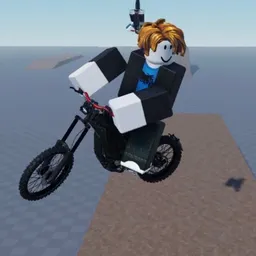
Some Roblox bike games are about getting from A to B. Bike Universe is more about what you can do on the way. Realistic riding physics make balance and control part of the challenge, whether you’re holding a wheelie, pulling off tricks, or trying to keep a stunt going without wiping out. With electric bikes, dirt bikes, pedal bikes, and two-seaters, there’s more than one way to hit the road.
The Bike Universe Discord is a place for players to talk about their rides, compare stunts, and follow changes to the game. Since the experience is still in beta, updates can bring plenty of new things to try. It’s worth keeping up with the community if you want to know what’s changing and hear how other riders are getting on.
Burnouts and stoppies add variety beyond wheelies, while the bike selection lets you experiment with different riding styles. Two-seater bikes also give you the option to ride with someone else instead of heading out alone. And with AI cops in the mix, not every ride is just about showing off your skills.
Bike Universe is still developing, so expect the experience to change as new features arrive. The Discord community gives riders somewhere to share their experiences, discuss the physics, and keep track of what’s next. Whether you’re chasing cleaner tricks or just looking for a bike that suits your style, there’s always another ride to try.