Brainrot Fighters

Roll, fight, and power up in Brainrot Fighters! Join the official Discord for codes, build guides, tournaments, and strategy talks.

Brainrot Fighters Discord server

Created: July 18, 2025

Members: 49

Join Discord Server

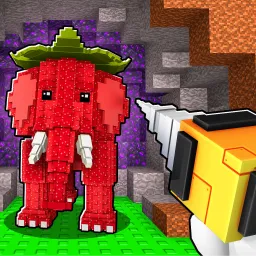
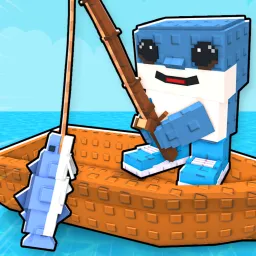
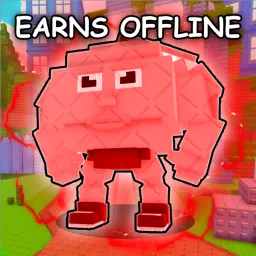
Brainrot Fighters throws you into a surreal arena where strange Brainrot creatures—AI-generated memes turned into fighters—are your tools for victory. Players roll to acquire Brainrots, duke it out for wins, and use rebirths to reset progress in exchange for multipliers that let you level up faster. Frequent Saturday updates keep the roster fresh and the battles unpredictable.

The deeper loop blends randomness, growth, and customization. Each victory earns wins that unlock new Brainrots and boost your strength. Premium players even get a bonus boost (+10% strength), helping them climb the leaderboard quicker.

The official Brainrot Fighting Discord server is your ultimate HQ. It’s where players get wind of new codes for gems and power potions, exchange combo builds, plan community tournaments, and get early scoops on balance updates and character teasers.

From chaotic meme combat to strategic character builds, Brainrot Fighters turns fighting into a blend of humor and meta strategy. And in Discord, that chaos becomes a community—where codes, tactics, and showdown hype come together.

How to join the Brainrot Fighters Discord server?

If you are wondering how to join the discord server "Brainrot Fighters" to get the latest updates, announcements, and guides, just follow these simple steps:

  1. Scroll back to the top of this page and click the prominent "Join Discord Server" button.
  2. You will be instantly redirected to the official invite link for the Brainrot Fighters community.
  3. If the direct link doesn't open automatically on your mobile device, simply copy the invite code from the URL, open your Discord app, click the "+" (Add a Server) icon, choose "Join a Server", and paste the code there.

Safe Browsing Reminder

Please note that Discord.Do is an unofficial educational guide and catalog. We are not affiliated with Discord, Inc. We will never ask for your password, email, or login token. True Discord authentication happens strictly on the official discord.com domain. Always verify your browser's address bar and practice digital hygiene!

Leave a Reply

Your email address will not be published. Required fields are marked *