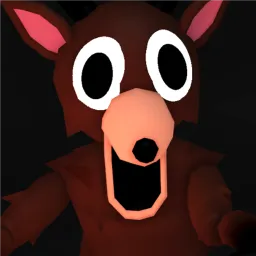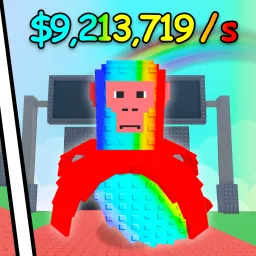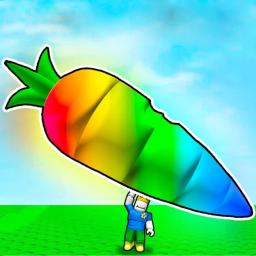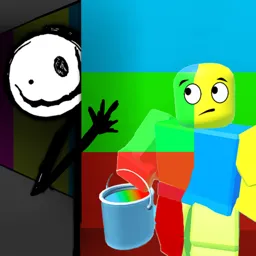
In Color or Die, players are thrust into vibrant arenas filled with ever-changing color zones that demand quick reflexes. Dash through shifting color tiles, leap between platforms, and stay alive as the floor elevates in intensity. The game blends parkour agility with fast-paced survival mechanics, making each round a thrilling test of speed and spatial awareness.
What makes the gameplay stand out is its persistent challenge: every match introduces new patterns, obstacles, and speed variations. Victory earns you in-game coins to unlock emotes, character skins, and trails—adding flair to your survival runs. As you climb leaderboard ranks, your parkour precision and adaptability become the key tools for mastering the chaos.
The official Color or Die Discord server complements the adrenaline with community-driven essentials. It’s where players pick up the latest code drops for coins or cosmetics, and developers post patch notes, new mode announcements, and sneak peeks. Channel discussions feature advanced strategy tips—like timing jumps on disappearing tiles—and organize friendly match lobbies and parkour challenges.
If you’ve got fast feet and sharper reflexes, Color or Die delivers pulse-pounding action. And with its Discord as your guide for updates, tactics, and custom games, every round becomes a shared test of color-coded survival.