Your Content Is The Center Of Our Universe
•———————————————•
– Weekly Creator Events: Spotlights, Tournaments, Video Exchanges & More.
️ – Shop System: Grow With Free Advertising Packages on Your Content and More Rewards Just by Being Active!
– Learn to Master The Algorithm & SEO with Expert Guidance for Millions of Views.
– Immerse in a Thriving Community Built on Collabs, Support & Genuine Growth.
– Dive into Our Exclusive Forum Collabs for Epic Collaborations.
– Shine in Spotlights & Secure the Coveted Video of the Week Title.
– Boost Reach with Engaging Content Exchanges & Connections.
– Showcase Skills in Intense Content Tournaments.
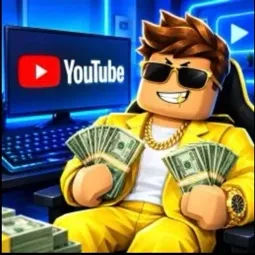
– Tap into Expertise: Unlock Growth with Algorithm & SEO Insights.
– 15+ Advertising Channels.
– Sell & Hire Services, from Editing to Artistry.
– Daily Tips, Rich Resources & Up-to-Date Content News.
– Gain Valuable Insights through Mass Content Reviews.
️ – Enhance Your Content Quality with Channel/Video Critiques.
– Experience Server-Wide Content Collabs.
– Stay Informed with Daily Server & Weekly Creator Events.
– Embrace Diversity: Welcoming All Content Creators.
– Your Creative Odyssey Begins Here, Regardless of Your Platform! Youtubers, Streamers, Tiktokers, Discord Servers, and more!
PS: Yes the shop is in complete compliance with every social media’s TOS including discord. We can teach you how to run your own google ads too!