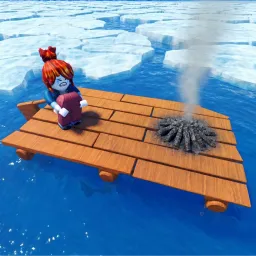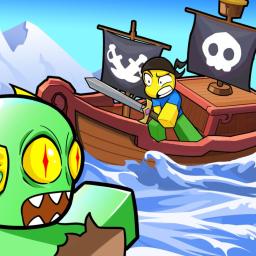
Dead Ocean is an adventure survival game on Roblox where players assume the role of pirates navigating the perilous Atlantic Ocean. Set against the backdrop of a blood-red moon and the emergence of an ancient leviathan, the game introduces the “Mermaid Plague,” a mysterious affliction spreading across the seas. Players embark on quests to find treasure and, more critically, a cure for the plague, all while contending with various monstrosities and environmental challenges.
The gameplay emphasizes resource management, combat, and exploration. Players must skillfully navigate boiling coral labyrinths and confront formidable sea creatures to progress. The game’s design draws inspiration from titles like “Dead Rails,” offering a unique maritime twist that has garnered attention within the Roblox community.
To enhance the player experience, Dead Ocean offers redeemable codes that provide valuable in-game rewards such as revives and coins. These codes are periodically released and can be found through various gaming news outlets.
While an official Discord server for Dead Ocean is not prominently advertised, the game’s community actively engages through various platforms. Players share strategies, discuss updates, and collaborate on fan-made content, fostering a vibrant and supportive environment for both newcomers and veterans.