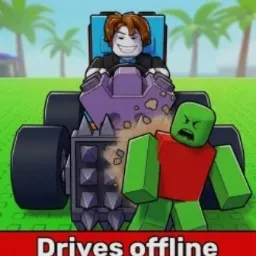
Defense Until Death Simulator is an engaging Roblox game that challenges players to defend their base against relentless waves of enemies. In this immersive experience, players build defensive towers and summon soldiers to withstand hordes of zombies. Strategic planning and resource management are crucial, as players must continuously upgrade their soldiers, towers, skills, supply, and production to ensure a strong defense against the relentless onslaught.
To enhance the gaming experience, Defense Until Death Simulator offers redeemable codes that provide players with in-game rewards such as currency and experience points. These codes are periodically released and can be entered within the game to gain advantages that aid in progressing through challenging levels. Staying updated with these codes is beneficial for players aiming to optimize their strategies and strengthen their defenses.
The game also maintains an official Discord server, serving as a central hub for community engagement. The server offers a platform for players to discuss strategies, share experiences, and stay updated on game developments. Joining the Discord community allows players to connect with others, participate in events, and receive timely information about updates and new features.
In addition to the Discord server, the developers have established an official Trello board that provides detailed information about the game’s mechanics, updates, and future plans. This resource is invaluable for players seeking to deepen their understanding of the game and stay informed about upcoming content.