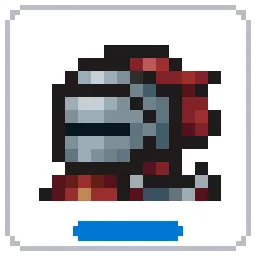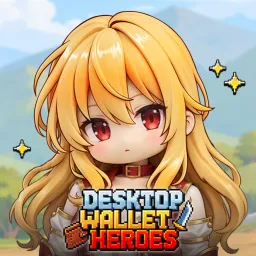
Most idle RPGs demand their own window. Desktop Wallet Heroes takes a much smaller approach: a pixel-art adventure runs in a slim strip along the bottom of your desktop while you work, browse the web, or do something else entirely. Your heroes keep fighting monsters in the background, collecting gold and gaining experience without requiring constant attention.
There is still plenty to do when you decide to check in. Defeated enemies drop equipment and resources, skills can be upgraded, and characters become stronger as their expedition progresses. One of the more unusual mechanics involves merging stones: combine identical ones to evolve ordinary pebbles into increasingly powerful weapons. Better gear makes it possible to tackle tougher enemies and bosses.
Loot has another purpose beyond improving your characters. Desktop Wallet Heroes supports trading eligible items through the Steam Community Market, giving equipment collection an additional dimension. Finding something valuable can be just as satisfying as getting a new upgrade.
SUPERCAT has opened an official Discord server for players who want to follow the game beyond their desktop. It features game guides, development announcements, community events, and discussions with other adventurers. The developers also welcome feedback and suggestions directly from players. With a game built around collecting, upgrading, and trading equipment, there’s plenty to compare — from particularly useful gear combinations to interesting market finds.