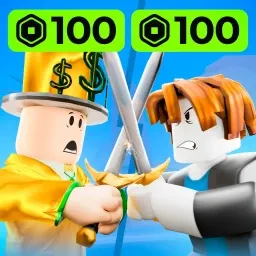
Double Down on Roblox takes the thrill of competitive play and fuses it with fast decision-making and high-stakes strategy. Whether you’re battling it out in quick rounds or planning long-term tactics to outsmart your opponents, every move feels like a calculated risk. The game rewards not just skill, but nerve — the courage to push your luck and the insight to know when to pull back.
The official Double Down Discord server is where the true competitors gather. It’s a hub of energy and discussion, with players exchanging strategies, analyzing match results, and forming rivalries that spill back into the game itself. The server’s active channels make it easy to find opponents, arrange tournaments, and celebrate clutch victories with fellow players who understand the adrenaline of each match.
Developers stay closely connected to the community, using Discord to share updates, balance changes, and insights into upcoming features. Player feedback often shapes the evolution of the game, making it feel like a collaborative effort between creators and competitors.
Becoming part of the Double Down Discord means stepping into an environment built on skill, confidence, and camaraderie. It’s not just about winning — it’s about learning from every play, meeting passionate players, and proving that your next move is always the right one.