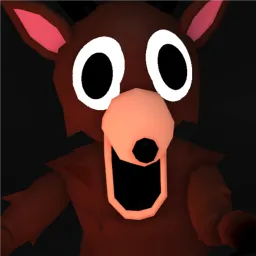
Examination is a tense PvE horror-shooter on Roblox set deep within a radioactive facility. Players gear up as one of several classes—like Medic, Breacher, or Operator—to eliminate infected enemies, restore the site’s systems, and uncover hidden lore. Team coordination is vital: reviving teammates, managing radiation hazards, and systematically clearing zones make for engaging, high-stakes gameplay.
The combat loop blends FPS mechanics with horror tension. You’ll confront mutant creatures spawned by a nuclear disaster while navigating limited resources, randomized level layouts, and class-based roles. Completing objectives like activating generators or sealing contaminated zones requires sharp shooting and mindful teamwork. With perma-death threats and a fast-paced rhythm, each run tests both strategy and reflexes.
The official Examination Discord server—hosted by the development team—has grown into a hub of over 23,000 members. There, players find class build advice, weapon loadout tips, and lore insights. The server also delivers real-time update announcements, developer patch notes, and co-op event plans. For players diving into Examination, Discord adds communication, strategy, and community connection.
If you’re drawn to atmospheric FPS challenges with unpredictable threats and a strong emphasis on teamwork, Examination offers a thrilling journey—and its Discord ensures you’re equipped, informed, and connected.