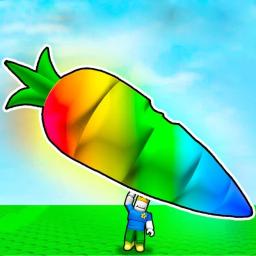
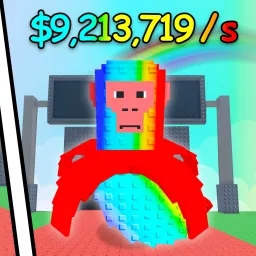
Feed Your Pet is a wholesome Roblox simulator where your pet grows stronger the more you care for it. You cultivate crops using food pumps, harvest veggies, and feed them to your pet to increase its level and shape its evolution. As your pet grows, it earns cash passively and on-player interaction, making the experience both rewarding and relaxing.
Gameplay revolves around expanding your farm and optimizing food production. Use in-game currency to build additional pumps, unlock new vegetable types, and increase your harvest capacity. Feeding levels unlock new appearances and boosts, turning your pet into a powerful, independent resource generator—even while you’re offline.
The official Feed Your Pet Discord server is the go-to hub for pet enthusiasts. It features early notifications for new codes—redeemable for coins or food items—and channels devoted to feeding strategies, farm layouts, and leveling advice. Players share tips on efficient farming, trade explanations, and event scheduling, while devs post update notes and gather suggestions from the community.
Between nurturing your pet in-game and collaborating in Discord, Feed Your Pet becomes a community-driven farming adventure. Whether you’re optimizing food production or showcasing your pet’s evolution, the official server keeps you connected, supported, and ahead in care.